How to Remove Your Restaurant From DoorDash, Uber Eats, Grubhub
How to pause, remove, or cancel your restaurant on DoorDash, Uber Eats, and Grubhub: 7, 60, and 3-day notice rules, unauthorized listing laws, exit plan.
Third-Party Apps
Direct Orders
+$36K/year savings
Third-Party Apps
Taking your profits
Switch to direct orders and keep everything
Direct Orders
Keep 100% of profits
+$36K/year
Average savings
TLDR
You can leave any delivery app: DoorDash takes 7 days' written notice, Uber Eats 60 days', Grubhub 3 days' (email is enough), and none lists a cancellation fee. If an app listed you without an agreement, California law requires removal within 3 business days of your request, and New York City bans listing a restaurant without a written agreement. Pause or set special hours for a slammed kitchen or a day off; cancel only after your own ordering link is live, your Google order button points at it, and customers know where you went.
TLDR
You can leave any delivery app: DoorDash takes 7 days' written notice, Uber Eats 60 days', Grubhub 3 days' (email is enough), and none lists a cancellation fee. If an app listed you without an agreement, California law requires removal within 3 business days of your request, and New York City bans listing a restaurant without a written agreement. Pause or set special hours for a slammed kitchen or a day off; cancel only after your own ordering link is live, your Google order button points at it, and customers know where you went.
To remove your restaurant from DoorDash, Uber Eats, or Grubhub, send written termination notice (7, 60, or 3 days ahead), end any live promotions, return the tablet, and move your order button first.
This guide is for the owner who wants off one or more delivery apps, or never asked to be on one. It covers the law on unauthorized listings, the pause controls, the cancellation terms in each merchant agreement as checked in September 2026, and a 30-day plan so the orders follow you. It is not a guide to winning direct orders (that is how to get more direct orders) or a commission table (that is delivery app commission rates).
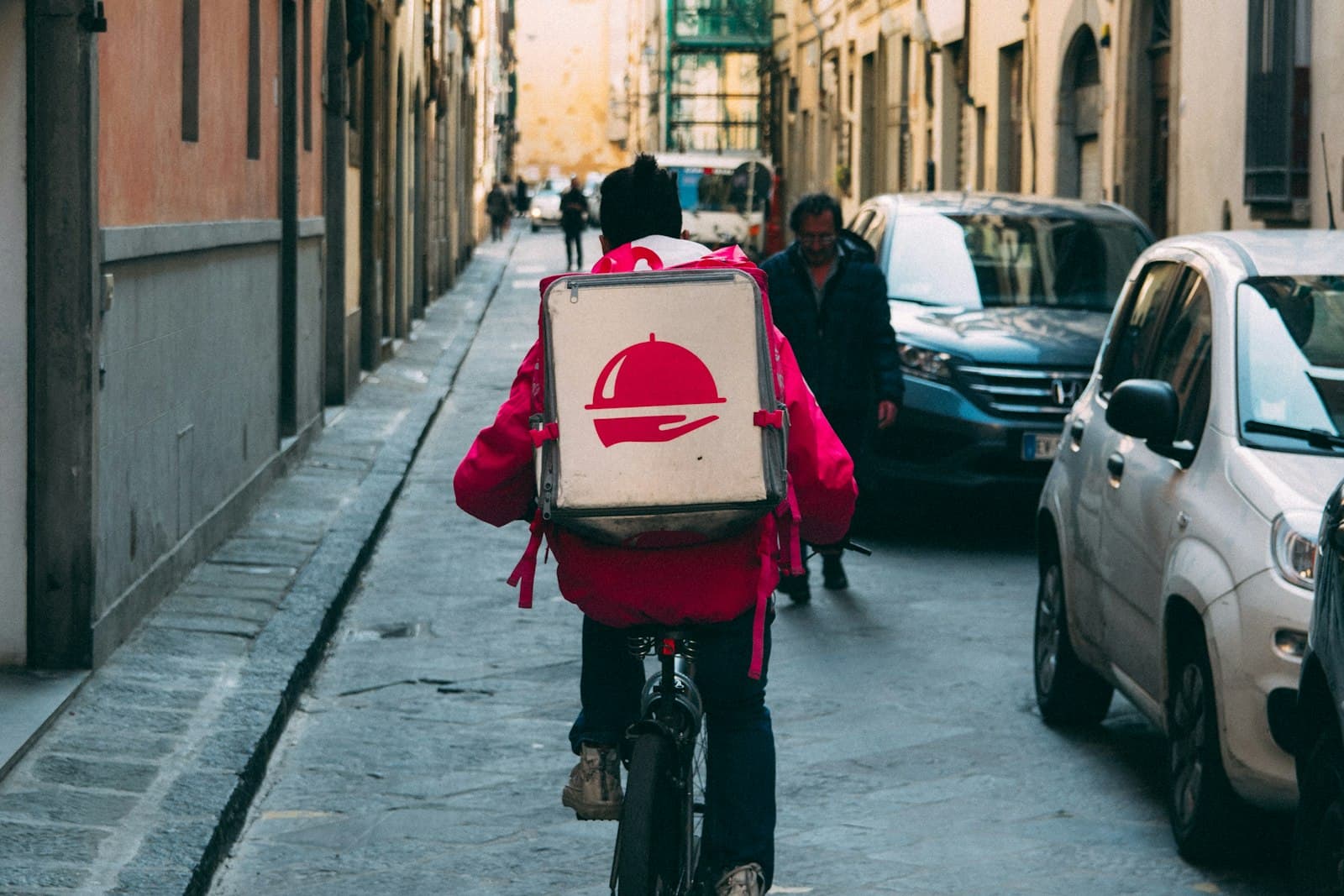
How do I remove my restaurant from DoorDash, Uber Eats, or Grubhub?
There are three routes, and the right one depends on whether you signed up: an unauthorized listing gets a written removal request, a signed merchant agreement gets a written termination notice with the platform's notice period, and a temporary problem gets a pause or a closure in your hours.
| Your situation | Route | How long it takes |
|---|---|---|
| Listed, but you never signed up | Written removal request | 3 business days in California; unstated elsewhere |
| Signed up, want out | Written termination notice | 7 days DoorDash, 60 days Uber Eats, 3 days Grubhub |
| Need a break, not a breakup | Pause or special hours | Immediate |
Removal means the whole listing: name, address, logo, menu, and order button. A week after any exit, check the consumer app and your Google Business Profile for leftover links.
Is it legal for an app to list my restaurant without permission?
In California and New York City it is not: California's Business and Professions Code Section 22599 bars a platform from arranging delivery without an agreement, and New York City's consumer protection rules require a written agreement before an app lists a restaurant. Elsewhere there is no federal rule, so the platform's own removal process is your path.
California's rule began as AB 2149, signed September 24, 2020, and now sits in Section 22599 (current text effective January 1, 2025). A platform "shall not arrange for the delivery of an order from a food facility without first obtaining an agreement", and must let you remove "its name, address, logo, or menu listing" from the platform "within three business days of receiving a request to be removed".
New York City's Department of Consumer and Worker Protection (DCWP) puts it in one line: "Apps must have a written agreement with your restaurant to list it on the app." Delivery services need a DCWP license, per-order fees are capped (15% delivery, 3% transaction, 5% basic service, 20% enhanced service), and the DCWP restaurant page links to a complaint form.
Other cities have their own rules; check locally before citing one. Without a law, the platforms still remove listings on request:
| Platform | Phone | |
|---|---|---|
| DoorDash | 855-222-8111 | mxpsupport@doordash.com |
| Uber Eats | 1-833-275-3287 | merchants@uber.com |
| Grubhub | (877) 799-0790 | restaurants@grubhub.com |
DoorDash's help article, "How to Remove Your Store from DoorDash", simply points you to Merchant Support; Uber Eats and Grubhub publish contacts but no removal form on the pages we checked. For all three: put the request in writing even if you call, state that you have no agreement, ask for written confirmation, and quote Section 22599 in California or the DCWP rule in New York City (template below).
How do I pause DoorDash, Uber Eats, or Grubhub orders temporarily?
Each platform has a pause control on the order device and in its web portal: DoorDash's red "Pause all ordering channels" button, Uber Eats' "Pause new orders" in the Orders app, and Grubhub's "Stop taking orders" button, and none of them touches your contract.
| Platform | Pause control | What resumes it | What customers see |
|---|---|---|---|
| DoorDash | Portal: Pause all ordering channels | You reopen the store | Unstated in DoorDash's help pages |
| Uber Eats | Orders app: Pause new orders | The length you picked | "currently unavailable" |
| Grubhub | Grubhub for Restaurants: Stop taking orders | Your next scheduled hours | Unstated in Grubhub's help pages |
DoorDash: the button is on the Store Availability page of the Merchant Portal, and "Make Store Available" reopens you; on the tablet, tap the menu icon, then Status. DoorDash's pages do not say whether a pause lifts on its own, so treat it as manual. A "Pause Store PIN" in portal settings keeps line cooks from pausing the tablet.
Uber Eats: tap the menu icon in Uber Eats Orders, then "Pause new orders", pick how long and why, and confirm; resume from the red "Orders Paused" banner. Customers see "currently unavailable". Busy Mode is gentler: it raises prep time and warns customers.
Grubhub: "Stop taking orders" sits in the left sidebar of Grubhub for Restaurants, and "Start taking orders" brings you back. Left alone, Grubhub reopens you "when your next normal business hours start": stop at 11:30am with a 5pm dinner service and you are back at 5pm.
Two warnings. The platforms pause you too: Uber Eats pauses orders automatically after "multiple orders in a row that go unaccepted" and lifts it "the next day at 6am"; DoorDash calls its version a temporary deactivation, triggered by slow orders, controllable cancellations, or a dead tablet; Grubhub says "Frequent order cancellation can result in your restaurant being temporarily paused". And a pause is not a closure: for a holiday, use special hours (DoorDash's Business Manager app, Uber Eats Manager, or Grubhub's Hours tab).
How do I cancel DoorDash, Uber Eats, or Grubhub permanently?
You cancel by sending written notice under the merchant agreement: DoorDash requires 7 days' prior written notice, Uber Eats requires 60 days', and Grubhub requires 3 days' with email accepted. DoorDash and Grubhub state there is no cancellation fee, Uber's terms set none, and all three expect their tablet back.
| Term, checked September 2026 | DoorDash | Uber Eats | Grubhub |
|---|---|---|---|
| Notice to leave for convenience | 7 days, written | 60 days, written | 3 days, email is enough |
| Cancellation fee | Zero, per the pricing page | Zero; blocked while a promotion is live | Zero, per the FAQ |
| Tablet | Return via support case; label emailed | Return within 10 days | Return in good condition |
| Payout cadence | Weekly, or daily at no charge | Weekly | Weekly, twice weekly, or every two weeks |
DoorDash's Merchant Terms of Service (updated April 27, 2026), Section 6.2, let the merchant terminate for convenience "at any time upon seven (7) days' prior written notice to DoorDash", and fee changes need 15 days' notice. The terms we could read do not spell out where merchant notices go, so send yours as a Merchant Portal support case plus an email to mxpsupport@doordash.com. The tablet belongs to DoorDash Equipment, LLC, rents for $6 per week after the trial, and goes back through a support case; DoorDash emails a return label.
Uber's Merchant Terms and Conditions (modified June 2, 2026), Section 11.b: "Either party may terminate the Agreement for any reason, or for no reason, by giving the other party 60 days' prior written notice." The same clause blocks termination "while an Offer or Sponsored Listing is live", so end promotions first. Devices stay Uber's property and go back "within 10 days" of termination (or after 45 days with no location live); a Damage Fee for an unreturned device comes out of your payouts. Send notice through the channel your agreement names and copy merchants@uber.com.
Grubhub's Merchant Terms (effective December 17, 2024), Section 4.1: the agreement may be terminated "by either party for any reason (or no reason) upon three (3) days' prior written notice to the other party (email sufficient)". A dated email to restaurants@grubhub.com and your Account Advisor does it. Return hardware "in reasonably good condition", and stay in good standing until the last deposit, since Grubhub may withhold payments where it sees legal or regulatory risk.
None of the three publishes a final-payout rule; DoorDash's payment obligations survive termination, Uber keeps both sides bound on any redeemed Offer, and Grubhub pays on its normal cycle. Before your portal access ends, download every statement and tax form, keep the bank account open until the last deposit clears, and ship the devices on time.
Should you leave, downgrade, or keep a small presence?
Leaving is not the only lever: all three platforms sell a cheaper tier with less placement, DoorDash and Uber Eats charge less on pickup than on delivery, and a pause or a closure costs nothing, so match the move to the situation instead of defaulting to cancellation. The tier math is in delivery app commission rates.
| Situation | Better move | Why |
|---|---|---|
| Listed, never signed anything | Request removal in writing | No contract, no notice period |
| App orders are a sliver and lose money | Cancel that platform with notice | Little discovery lost, short clock |
| App orders are large and not yet replaced | Drop to the lowest tier, push direct | Cuts the rate, keeps the orders |
| New location, nobody knows you yet | Keep a small presence, pickup on | Discovery is what you are buying |
| Kitchen cannot keep up at peak | Pause, do not cancel | Instant, and no 60-day tail |
| Closing for a season or a renovation | Special hours or closures | Keeps the listing and the reviews |
| One platform is the problem | Cancel that one only | Each agreement stands alone |
Entry rates as published: DoorDash Basic is 15% on delivery and 6% on pickup, Uber Eats Lite is 20% (15% in some large cities), and Grubhub advertises marketing rates "as low as 5%". Whatever you pick, what DoorDash shares with restaurants is the order, not the customer. Run your volume through the DoorDash fee calculator first.
The 30 days before you pull the plug
The orders do not follow you on their own. A customer who found you on an app will search your name, land on Google, and tap whatever order button is there, so the month before you cancel is for moving the button, the bag, the counter, and your staff's script to your own ordering page.
| When | Task | Owner |
|---|---|---|
| Day 1 to 5 | Own ordering page live, test order from a phone | Owner |
| Day 1 to 5 | Google order button points to your page | Owner |
| Day 5 to 10 | Bag insert and counter sign printed | Manager |
| Day 5 to 10 | Text or email your opted-in customers | Owner |
| Day 10 | End promotions, then send written notice | Owner |
| Day 10 to 30 | Staff script trained and posted by the phone | Manager |
| Day 25 to 30 | Download statements, request return label | Owner |
| Last day | Hours set to closed, device shipped | Manager |
The Google step matters most and takes the least time; the steps for Google, Instagram, and Facebook are in how to add an order button. Revisit the profile weekly for a month after you leave, because app links reappear.
The bag insert and counter sign say one thing: "Order direct at [yoursite]. Same menu, no app fees." The text or email goes only to customers who opted in, with the new link, the leaving date, and one reason to try it now. The staff script: "We are coming off DoorDash on the [date]. Same menu at [site], or call [number]." Discounts and loyalty belong to the direct-orders playbook linked at the top.
Templates: removal request and cancellation notice
A removal request must establish that no agreement exists and demand confirmation; a cancellation notice must start the clock and pin down the three things you will otherwise chase for weeks. Send each by email and keep the copy.
Removal request (unauthorized listing): I am the owner of [restaurant name], [street address, city, state]. We have no agreement with [platform] authorizing you to list our restaurant, take orders for it, or deliver our food. Please remove our name, address, logo, menu, and any order button from your platform and apps, and confirm the removal in writing to [email]. [California only: Business and Professions Code Section 22599 requires removal within three business days of this request.] [New York City only: DCWP rules require a written agreement before listing a restaurant.] Owner contact: [name, phone].
Cancellation notice
This is written notice that [restaurant name], store ID [ID], terminates its merchant agreement with [platform] for convenience, effective [date at least 7 / 60 / 3 days from today]. All promotions and sponsored listings have been ended. Please confirm in writing: the termination date, the date and amount of the final payout, and the return instructions for any equipment. Send confirmation to [email]. Signed, [name, title, phone].
Fill in the notice period, date the email, and if the platform offers a support case or chat, open one that references the email so there is a ticket number on their side.
Where DirectOrders fits
The reason most owners leave an app is the commission and the missing customer data; the reason most stay is fear of losing the orders. DirectOrders is built for that gap: commission-free online ordering on your own branded website for a flat $249 per month (Pro), or $349 per month with Voice AI phone ordering and 500 AI phone minutes (Pro + Voice), with a 14-day free trial. You own the customer data, payouts are same-day, and delivery can run through your own drivers, Uber Direct, or DoorDash Drive, so leaving the marketplace does not mean giving up delivery. How DirectOrders compares with DoorDash lays the two side by side.
Sources
All sources checked September 2026.
- California Legislative Information: AB 2149 (2020), Chapter 125, approved September 24, 2020, and Business and Professions Code Section 22599, as amended by SB 1490, effective January 1, 2025.
- NYC Department of Consumer and Worker Protection: Restaurants Using Delivery Apps and Delivery Apps Requirements.
- DoorDash: How to Remove Your Store from DoorDash, Merchant Terms of Service, US, pricing, FAQ, How Marketplace works, Merchant Portal navigation, store management on the tablet, Business Manager app, Merchant Portal settings, temporary deactivation, tablet return, and Merchant Support contacts.
- Uber Eats: Merchant Terms and Conditions, US, How do I pause incoming orders?, Why do orders pause automatically?, US pricing, FAQ, contact us, and Merchant Academy on primary tools and accepting orders.
- Grubhub: Merchant Terms, Restaurant Terms, self-service, How to start or stop taking Grubhub orders, Restaurant Policies, reducing order cancellations, POS hours updates, FAQ, and the Grubhub for Restaurants homepage.
Bottom line
You can leave any of the three apps, and none lists a fee for doing it, but the clocks differ: 3 days for Grubhub, 7 for DoorDash, 60 for Uber Eats, with promotions ended first. If you never signed up, you do not need a clock: in California the platform has three business days to remove you, and in New York City it should not have listed you at all. Pause for a rush, set closures for a holiday, and cancel only when your own ordering link, Google button, and staff script are ready. The orders follow the button, not the app.
Frequently Asked Questions
In California and New York City, no. California Business and Professions Code Section 22599 bars a platform from arranging delivery without an agreement and requires a removal mechanism that works within three business days of a request. New York City's Department of Consumer and Worker Protection says apps must have a written agreement to list a restaurant. Elsewhere no federal rule applies, but DoorDash removes listings on request through Merchant Support at 855-222-8111 or mxpsupport@doordash.com.
Related resources
Related Articles
Sarah M.
James K.
Lisa R.
Owned contacts
2,847
Does DoorDash Share Customer Data With Restaurants? (2026)
No. DoorDash, Uber Eats and Grubhub keep marketplace customers' emails and phone numbers. What you see per order, which products share data, and the NYC law.
Pankaj Avhad
Delivery App Commission Rates 2026: Every Platform Compared
How much does DoorDash charge restaurants? Every delivery app's 2026 commission rates, verified against vendor pricing pages, in one reference table.
Pankaj Avhad
Pros and Cons of Food Delivery Services for Restaurants
An honest look at whether DoorDash, Uber Eats, and Grubhub help or hurt your restaurant. When to use them, when to go direct.
Pankaj Avhad